
The ATS-Friendly CV Formatting Guide Most People Get Wrong
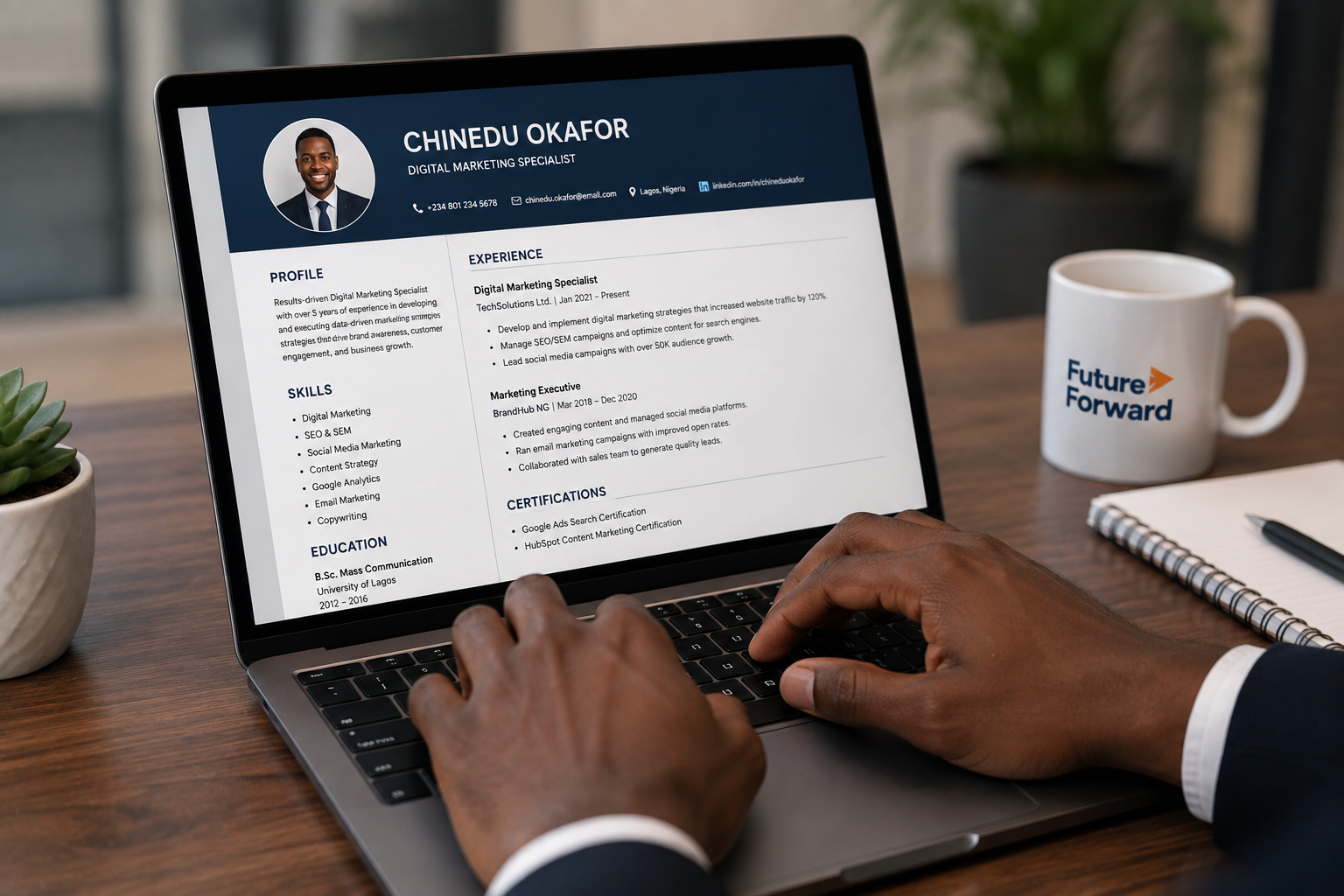
Applicant Tracking Systems (ATS) parse your CV into plain text before a human ever opens it. If the parser can't read your layout, a strong candidate can be filtered out automatically.
Avoid tables and text boxes
Many ATS platforms can't correctly read content placed inside tables, columns, or text boxes — the exact layout many "designer" templates use.
Stick to standard section headings
"Work Experience," "Education," and "Skills" are recognized instantly. Creative alternatives like "My Journey" can confuse the parser.
Save as a Word document unless told otherwise
Unless a job post explicitly requests a PDF, a .docx file is parsed more reliably by most ATS platforms.
Keep contact information out of the header/footer
Some systems skip headers and footers entirely, which means your name and phone number might never get extracted.
Once your CV is ATS-safe, the next priority is making sure the content itself is compelling — that's where a professional review makes the biggest difference.
Chiamaka Nwosu
Lead CV Strategist
Chiamaka has reviewed over 3,000 CVs for Nigerian job seekers and trains recruiters on applicant screening at PerfectCareers.